How to Organize Pickup Pickleball
Pickleball is the fastest-growing sport in America, and organizing games has never been easier. With just 2–4 players and a court, you're ready to play. Rallyd helps you coordinate partners, book courts, and split fees — all through a single invite link.
Who Is This Guide For?
Whether you're a tournament-level 4.0+ player, a recreational padder who plays after work, or a complete beginner who just discovered the sport, this guide walks you through setting up seamless pickleball sessions.
Step-by-Step Walkthrough
Create Your Pickleball Event
Open Rallyd and choose Pickleball. Set the date, time, and court venue. Specify singles or doubles format, set the player cap, and add the per-person cost if you're splitting court rental.
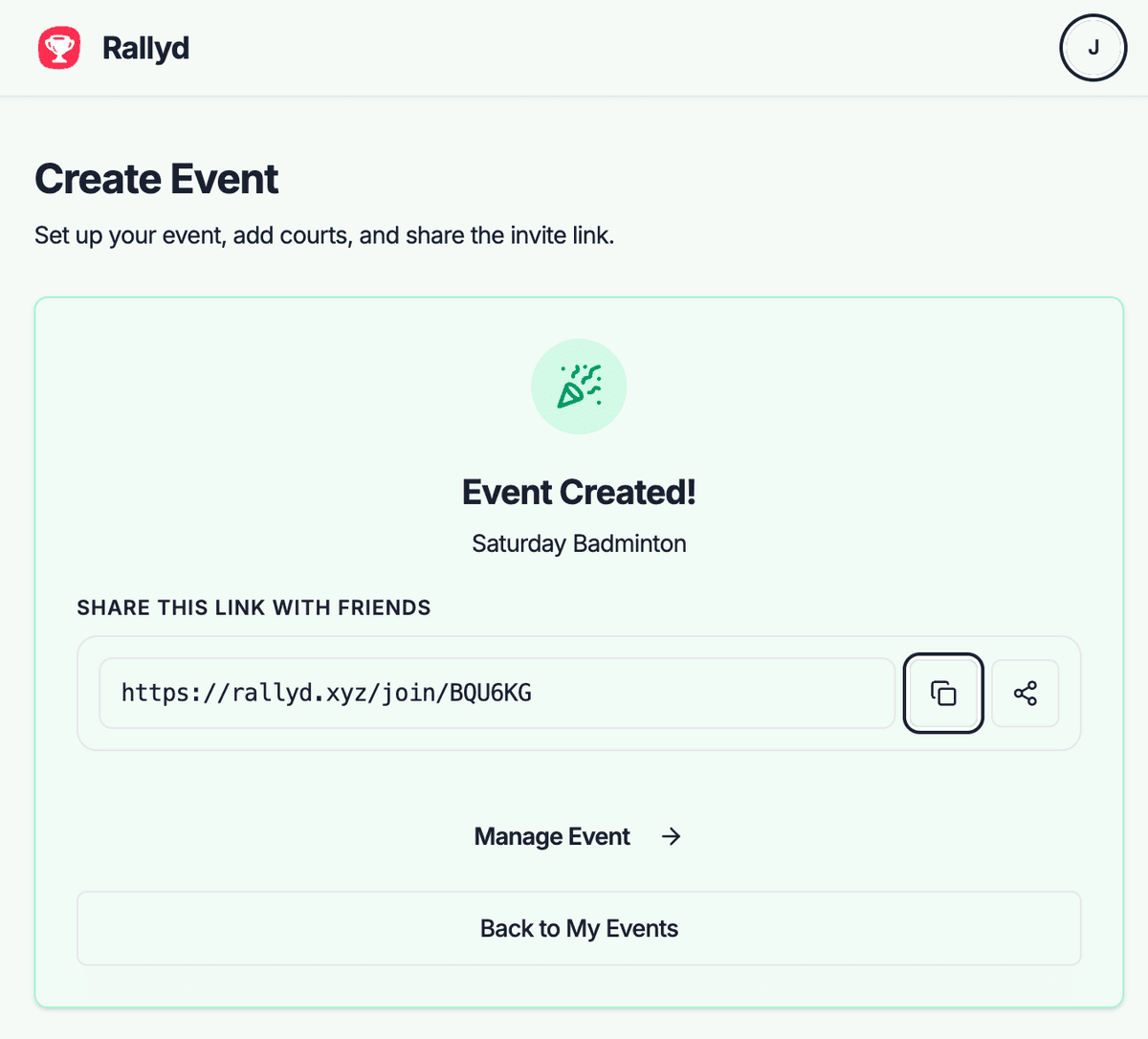
Share Your Invite Link
Copy your invite link and share it with your pickleball crew — group texts, Facebook groups, or at the courts. The link shows all event details and available spots.
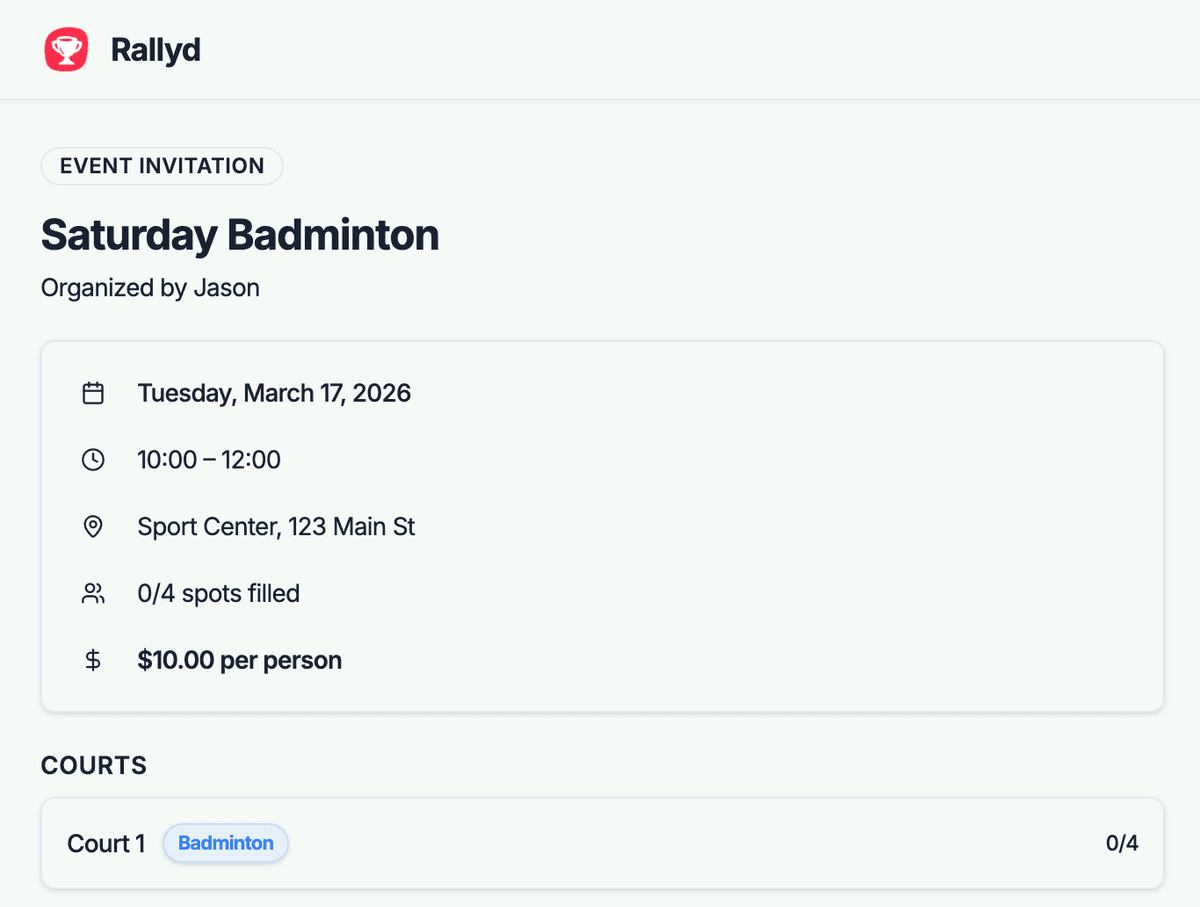
Players Join the Game
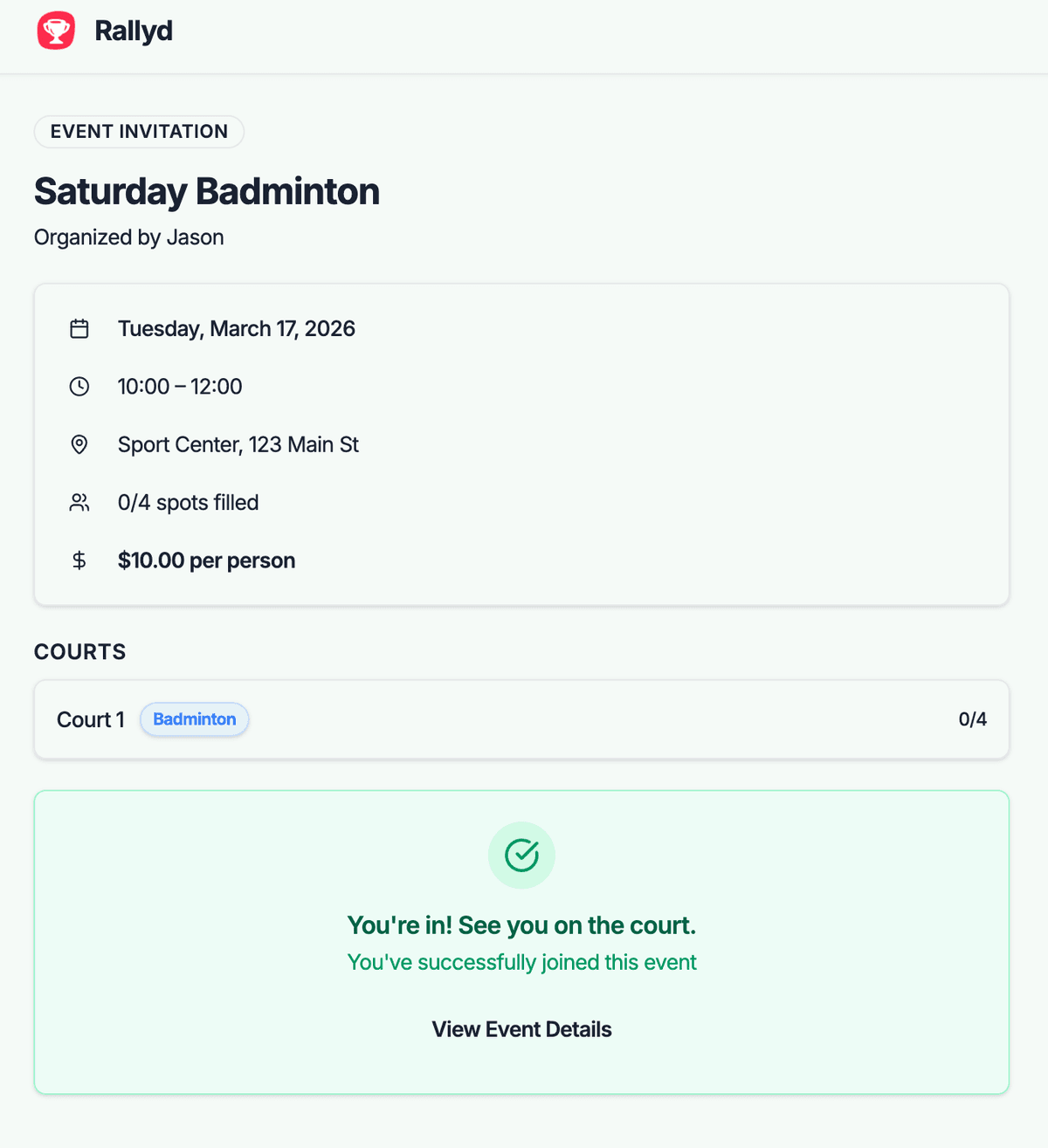
Players tap the link, see the details, and join in one tap. You'll see your roster fill up in real time. For doubles, 4 confirmed players means you've got a match.
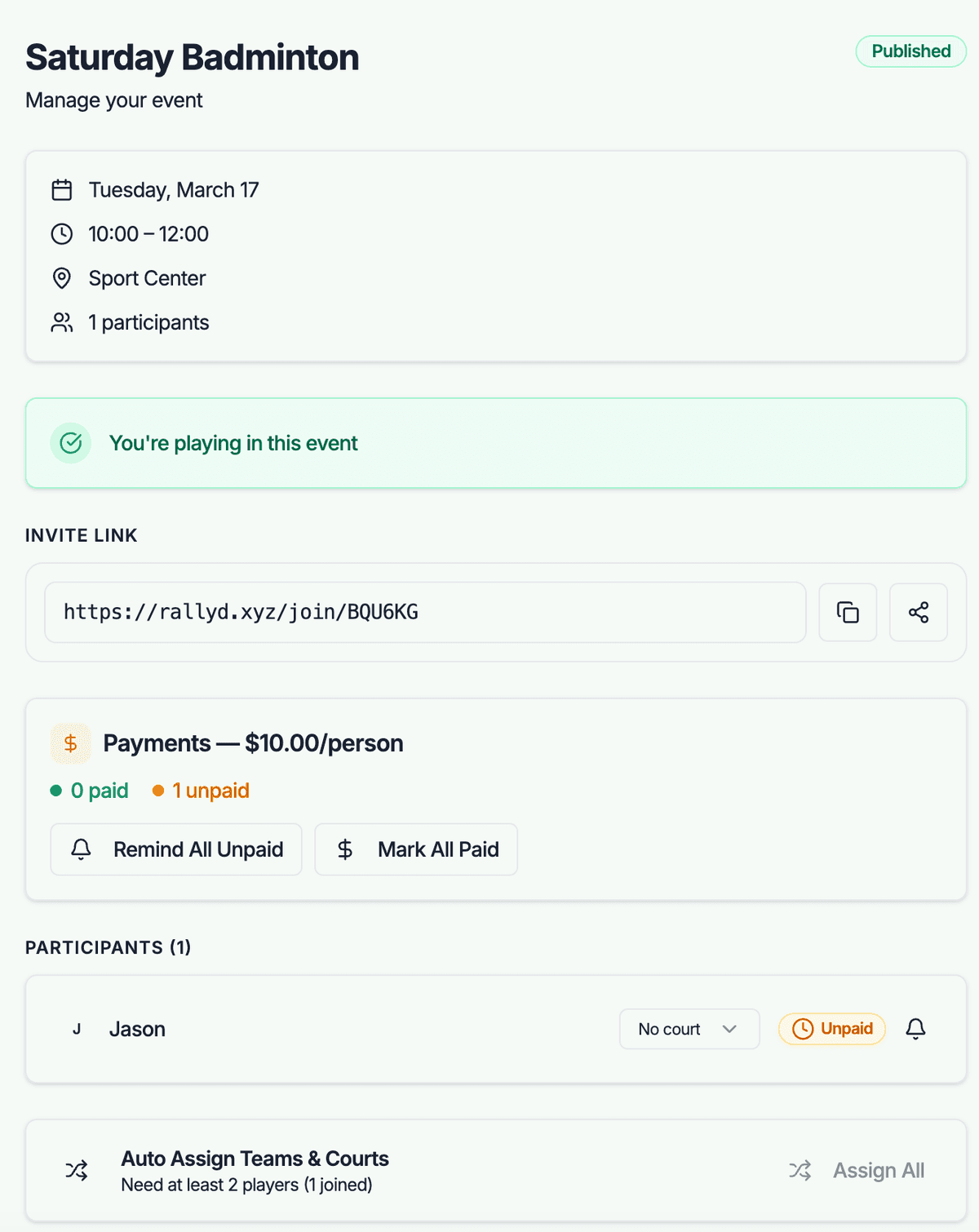
Manage Teams and Payments
Auto-balance handles partner rotation. Payment tracking shows who's covered their court fees. After the session, everyone knows their balance.
Organizing Tips for Pickleball
Bring Outdoor and Indoor Balls
Outdoor pickleballs (26 holes) play differently than indoor (40 holes). Bring both types so you're prepared regardless of court surface.
Label Your Paddle
In group play, paddles get mixed up constantly. Put your name or a sticker on yours. This sounds minor but saves confusion during court rotations.
Run Skinny Singles for Warmup
Play 'skinny singles' (using only half the court) for the first 10 minutes. It's a great warmup and works on precision before switching to doubles.
Use a Round-Robin Format
With 8 players and 2 courts, assign partner pairings for 5 rounds. Everyone plays with a different partner each round — it's social, fair, and keeps things fresh.
Post Results to Build Hype
Share match results and fun stats in your group chat after each session. A little friendly competition drives higher attendance next week.
Common Challenges & Solutions
Courts are booked out for weeks at popular facilities
Book 2–4 weeks in advance and create your Rallyd event immediately. Share the link early so players can plan around the confirmed date. Check community centers and school courts — they're often less crowded than dedicated pickleball facilities.
Beginners and advanced players don't enjoy playing together
Create separate events for different skill levels. Label them clearly in the description — 'Beginner-friendly social play' vs. '3.5+ competitive doubles.' This self-selects players into appropriate groups.
Players argue about scoring or kitchen rules
Post a brief rules summary in the event description, especially for newer groups. Cover rally scoring vs. side-out, kitchen violations, and whether you're playing to 11 or 15. Agreeing beforehand prevents mid-game disputes.
Frequently Asked Questions
How do I organize a weekly pickleball group?+
Create a Rallyd event each week with the same day, time, and court. Share the invite link in your group chat. Consistency is key — within 3–4 weeks, you'll have a core group that shows up automatically. The payment tracking feature makes splitting court fees painless.
What's the best way to find pickleball players in my area?+
Join local pickleball Facebook groups, check community center schedules, and visit popular courts during peak hours. Create a Rallyd event and share the link in these communities — the pickleball world is famously welcoming to newcomers.
How many players do I need for a pickleball event?+
Minimum 4 for a doubles match. For a social session with rotation, 6–8 players is ideal. This gives you enough for 2 courts with everyone rotating partners. Set your Rallyd event capacity based on your available courts.
Can I use Rallyd as a pickleball event planner for a round-robin?+
Yes — create your event with 8–16 players and use auto-balance to generate team pairings. You can run a round-robin format where partners rotate every round. Track results manually and share them in your group chat.
Ready to Organize Your First Pickleball Game?
Create an event in under a minute, share the invite link, and let Rallyd handle the rest.